



User Manual
OnSong® Drive
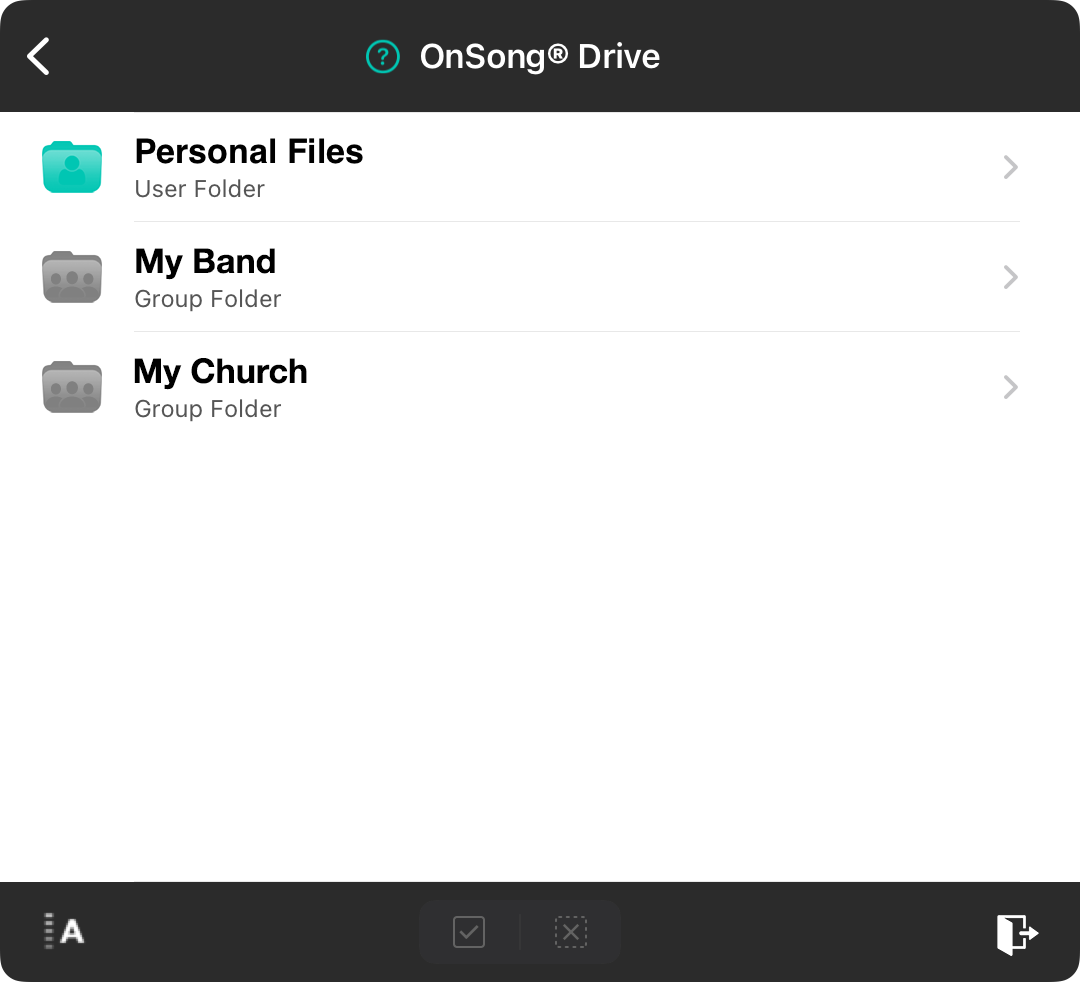
Your OnSong® Drive is created on and accessed via your OnSong® Account. It's a secure way to store files you use in OnSong. You get storage included with your OnSong® Subscription which is used to store automatic backups, shared sets, and files in your OnSong® Drive. The first screen shows root folders in your drive.
Personal Files
The top-most folder provides access to your personal files. These are files that only you can access. In there you can create folders to help organize your storage.
Shared Files
If you belong to a group subscription, each account will appear below. Saving files in these folders allows your entire team to view the files. For instance, if I subscribe to OnSong through my band and my church, I could have a folder for each. Each account has its own available storage.
Sorting
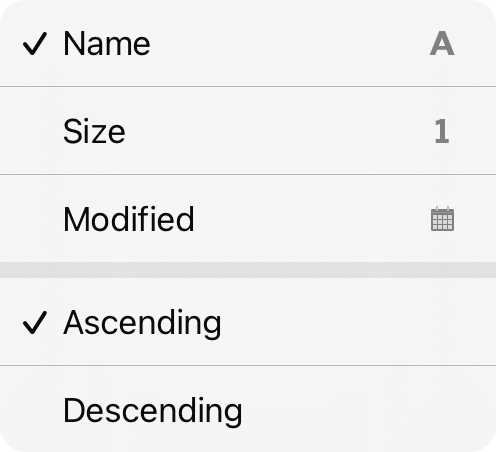 You can tap on the sort icon in the lower left corner to change how this list is sorted with the following options:
- Name sorts by the name of the files group you belong to or your personal files.
- Size sorts by the size of the contents of the files group.
- Modified sorts by the date and time the file group was last modified.
Tap on the ascending and descending options at the bottom of the screen to change the sort direction.



