



User Manual
Sort
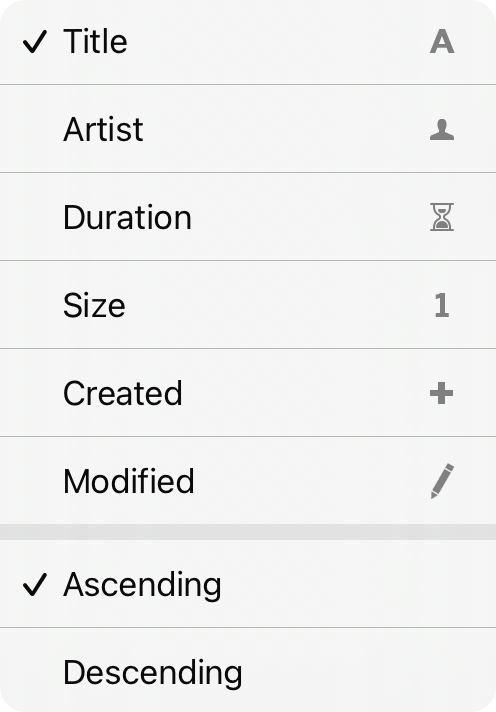
When you open the sort method menu, you can see ways that you can sort the audio tracks as well as an checkmark indicating the current sort method. You can sort audio tracks via a variety of attributes found below:
Title
The title of the audio track in alphabetic sort order.
Artist
The artist of the audio track, if provided.
Duration
The duration of the audio track.
Size
The file size of the audio track. When sorted by size, the file size is displayed on the right instead of the duration.
Created
The date and time the audio track was created, or added to the media library. When sorting by created date, that date is displayed on the right side instead of the duration.
Modified
The date and time the audio track was modified, or changed to the media library. When sorting by modified date, that date is displayed on the right side instead of the duration.
You can change the sort direction using the ascending and descending options at the bottom of the sort menu.



