



User Manual
Sort
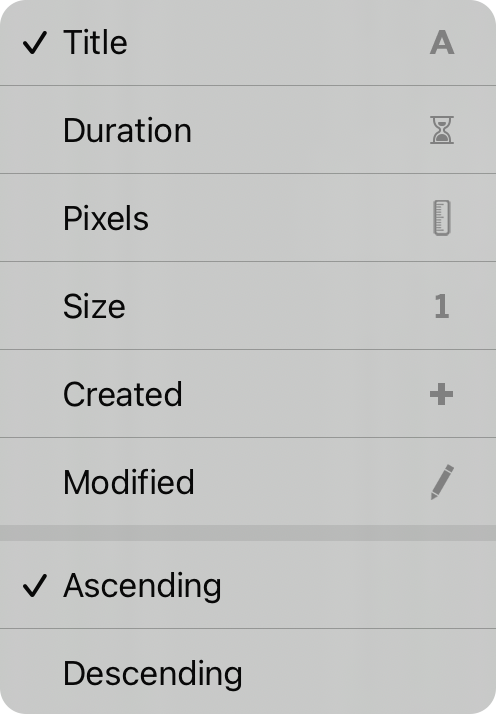
The current sort order is marked with a checkmark indicating the sort order. You can sort visual media assets in the following way:
- Title is the title of the visual media.
- Duration is the length of the play time of the video.
- Pixels the size of the assets (width x height).
- Size the file size of the assets.
- Created the date and time the asset was created in the library.
- Modified the date and time the asset was last modified.
Use the ascending and descending order options at the bottom of the menu to change the sort direction once a sort method is selected.
OnSong 2026 — Last Updated on December 18, 2025



