



User Manual
Capo
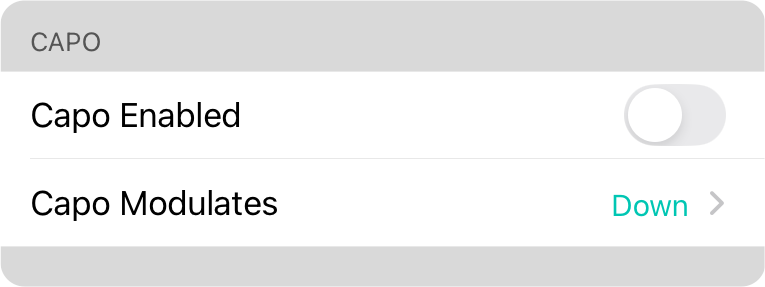
This is used to determine the default behavior for the capo function.
Capo Enabled
Determines if the the capo is enabled by default on newly imported songs, or at the system level.
Capo Modulates
Determines globally which direction the capo modulates the chords. Options include:
- Down modulates the chords down the number of half steps specified by the capo. This allows the transposed key to be heard by compensating for the capo setting. For instance, if you set the transposed key to B, and apply capo 2, the app will output chords in the key of A. The capo applied to the second fret will raise the chords in the key of A to the key of B resulting in the desired transposed key.
- Up modulates the chords up the number of half steps specified by the capo. This can be handy to apply the transposition using OnSong the capo. In this case the song would display the chords in one key, but will sound in a different key. For instance, if the song was transposed into the key of A, and you apply capo 2, the chords displayed would be in the key of B. We have no idea why you'd want to use this setting.
OnSong 2026 — Last Updated on December 16, 2025



